A New Normal Meets Old Rooms
Hybrid is no longer a trend; it’s the default. Today’s teams expect hybrid meeting room solutions to keep pace with how they already work across time zones and tools. Picture a Monday stand-up: half the team in a glass-walled room, the other half split across homes and hubs; the clock keeps moving, and patience is thin. In survey after survey, most meetings now involve at least one remote participant, yet many rooms still rely on cobbled laptops and basic cameras—no wonder voices drop, faces blur, and decisions stall. If the room can’t bridge the gap, people start tuning out. So here’s the question: is your setup helping decisions happen, or slowing them down?

We’ll compare what breaks, why it breaks, and what actually fixes it—without adding more chaos. Let’s step into the realities first, then the road ahead.
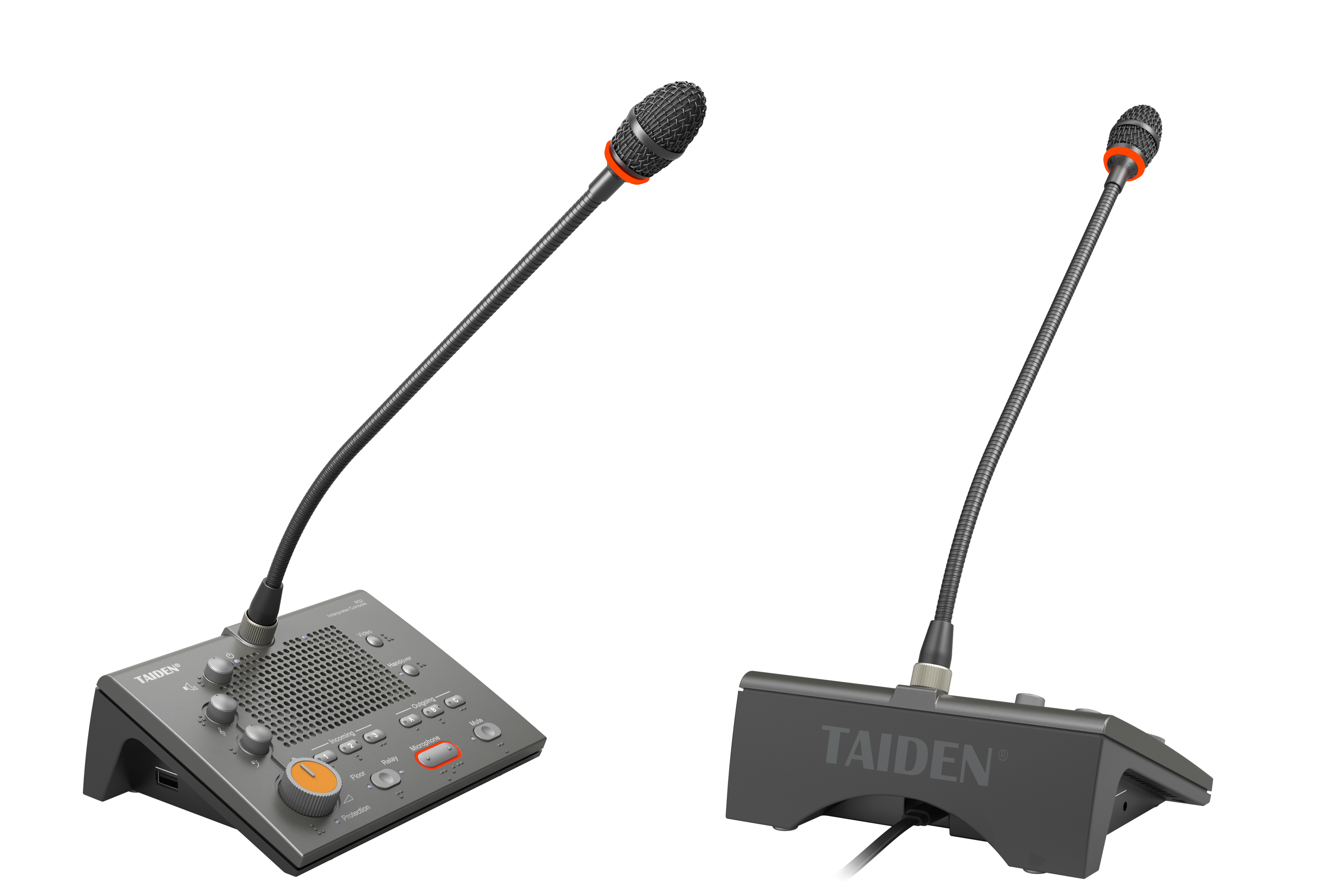
Where Traditional Rooms Fall Short (And Why It Shows Up on Screen)
In many offices, the “hybrid room” is a quick fix: a USB speakerphone, a single PTZ camera, and a tangle of dongles. It works—until it doesn’t. Latency creeps in. People talk over each other. Screen sharing jitters when someone joins from a guest network. Remote teammates hear the HVAC louder than the speaker. The meeting becomes a test of patience rather than a flow of ideas. And when the room depends on one laptop as the hub, a single update or cable pull can bring everything down—funny how that works, right?
The deeper issue is design, not effort. Traditional setups weren’t built to manage variable bandwidth, room acoustics, and multiple content streams at once. They don’t handle packet loss well. They lack true acoustic echo cancellation you can trust across seating zones. And they seldom offer policy-level controls for security or quality of service. The result is a lopsided experience: the room feels “fine” for people in the chairs, but remote attendees fight to stay engaged. That gap isn’t minor; it undercuts decisions, timelines, and trust.
Under the Hood: Why Hybrid Feels Hard (And How to Make It Easy)
The engine of a modern hybrid room is hybrid meeting technology , not a pile of ad hoc gadgets. Look, it’s simpler than you think: begin with a network-native core, then layer audio and video that fit the space. When you shift from USB tethers to AV-over-IP, you gain stable routing and central control. Beamforming microphones track speakers without “hot” and “dead” spots. Acoustic echo cancellation (AEC) keeps remote voices clear even when the room is lively. And edge computing nodes can preprocess audio and video before they hit the cloud, which reduces jitter and protects quality under load. The outcome is consistency. People stop fiddling and start talking.
What are we missing?
Two quiet culprits: policy and power. Without QoS, your meeting traffic fights with guest Wi‑Fi and file sync. Prioritize it and call quality jumps. Without clean, reliable power converters and PoE for endpoints, you invite micro-failures that feel random but aren’t. Add room-aware presets—camera framing, noise suppression, and content routing—and the system adapts itself. The hidden pain points fade: no more “Can you hear me now?” loops, no more “Who owns the share?” stalls. The room stops being a bottleneck and becomes a multiplier.
From Fixes to Foundations: How Tomorrow’s Rooms Will Work
We’ve tackled the pains; now let’s compare paths forward. New rooms will lean on clear principles: software-defined media, policy-first networking, and automation that detects use and adjusts in real time. That means discovery protocols bring devices online without manual tweaks; scene presets tie camera angles to talker location; and analytics guide layout changes over time. An onsite and remote meeting system that follows these rules doesn’t just connect people—it shapes a stable experience across sites. The tech is precise, but the feel is simple—walk in, speak, share, and go. And yes, standards matter: AV-over-IP with Dante keeps audio clean, while SD‑WAN ensures traffic gets the lane it needs across regions.
What’s Next
In practice, this looks like fewer boxes and more brains in the network. Devices power up via PoE, register, and pull the right policies—no guesswork. Cameras frame groups, not chairs. Microphones hear speakers, not table taps. Edge AI helps suppress HVAC noise and keyboard clicks before they leave the room. Meanwhile, IT sees health metrics at a glance: latency, jitter, AEC performance, and utilization. The promise is not perfection. It’s resilience—systems that self-correct and keep meetings moving when someone opens a heavy file or a guest jumps on Wi‑Fi. Different rooms, same feel.
So how do you choose? Use three simple evaluation metrics. First, experience consistency: can remote and in-room users hear and see the same moment, with natural turn-taking? Second, network readiness: does the platform support QoS, zero-touch provisioning, and clean AV-over-IP flows without custom hacks? Third, life-cycle clarity: are firmware, analytics, and support built to grow with your rooms, not fight them? Measure these, and you’ll see the signal through the noise—funny how clarity shows up once you name it. For teams that want a grounded path to this future, explore providers who align to these principles, including TAIDEN.